BayPlay Tips & Tricks
Frequently Asked Questions
Get the most out of the BayPlay app. Here are some frequently asked questions.
Is BayPlay free to use?
Yes. BayPlay is 100% free to use,
Do I need to create an account to use the BayPlay app?
No. BayPlay doesn't need you to sign in to use it.
How do I switch between stations?
Head to the hamburger menu (3 horizontal lines) at the top left and tap on "Select Station".
How do I improve the audio quality?
If you aren't connected to wifi, your device will automatically stream a lower quality audio in order to save data. You can change the settings by heading to the hamburger menu at the top left of the BayPlay app and select "Settings". From there you can select "Always use highest available audio quality". We highly recommend this for the best listening experience.
I'm not receiving push notifications. How do I get these?
You can ensure you receive push notifications by heading to the hamburger menu at the top left of the BayPlay app and select "Settings". From there you can select "Push Notifications". We promise not to bombard you. We send push notifications occasionally to notify you of weather events, road closures, upcoming on-air interviews, significant news stories, upcoming events etc.
I received a push notification which is no longer on my phone. Where can I find out what it said?
If your phone is no longer displaying a push notification, you can head to https://www.1xx.co.nz/notifications to see the most recent notifications. You can also find this page via the hamburger menu in the BayPlay app.
Can I listen through Apple CarPlay or Android Auto?
BayPlay is fully integrated through Apple CarPlay. Android Auto is still a work it progress, but it can still be played through your car audio system via bluetooth.
Recently Played
-

Stick Season
Noah Kahan (Pron Carn) -

Criminals
Megan Trainor -
Shotgun
George Ezra -

Beautiful Day
U2
What's On Now
-
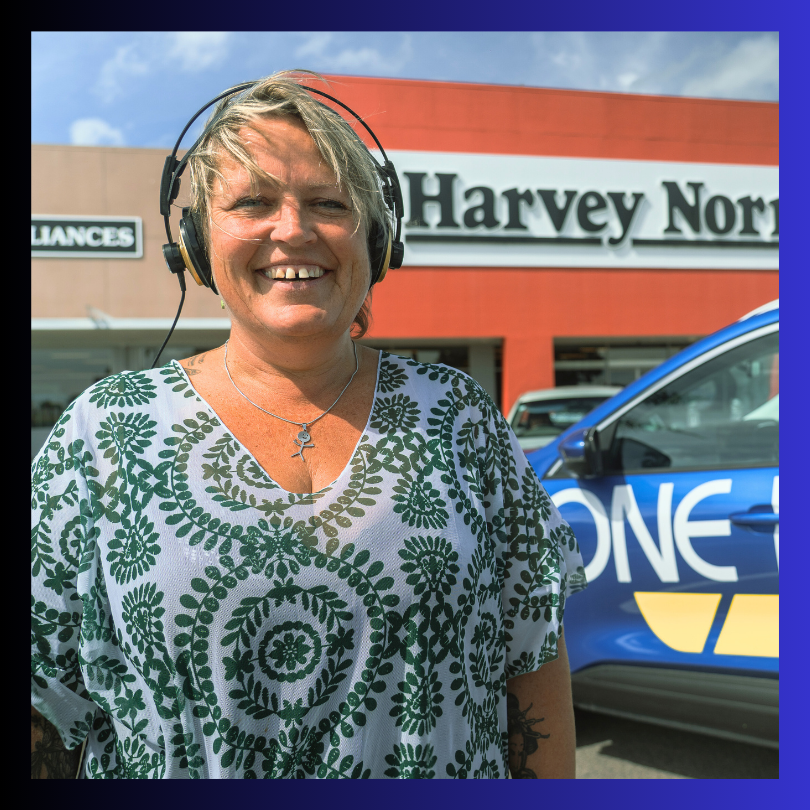 Harvey Norman Breakfast Show
6:00am - 10:00am
Wake up with LJ and tune in to the Harvey Norman Breakfast Show. It’s the perfect mix of fun, community, and everything you need to start your day. Tune in and start your morning right!
Events
-
 Ray White Te Puke's Halloween Treat Trail
The Treat Trail is back for another spooky 'round in Te Puke with plenty of tricks and treats on the way!
at Te Puke Main Street (Jellicoe Street) -
 Battery Town Rally Bay of Plenty
The Battery Town Rally Bay of Plenty is back in Whakatāne over three high-octane days of mixed-surface racing, and we're helping kick off the ceremonial start!
at The Strand
On Demand
-
 24th October with Wayne Pamment
The Weekly Real Estate Property Roundup
24th October with Wayne Pamment